
Beginner guide: how to start tracking your basketball stats
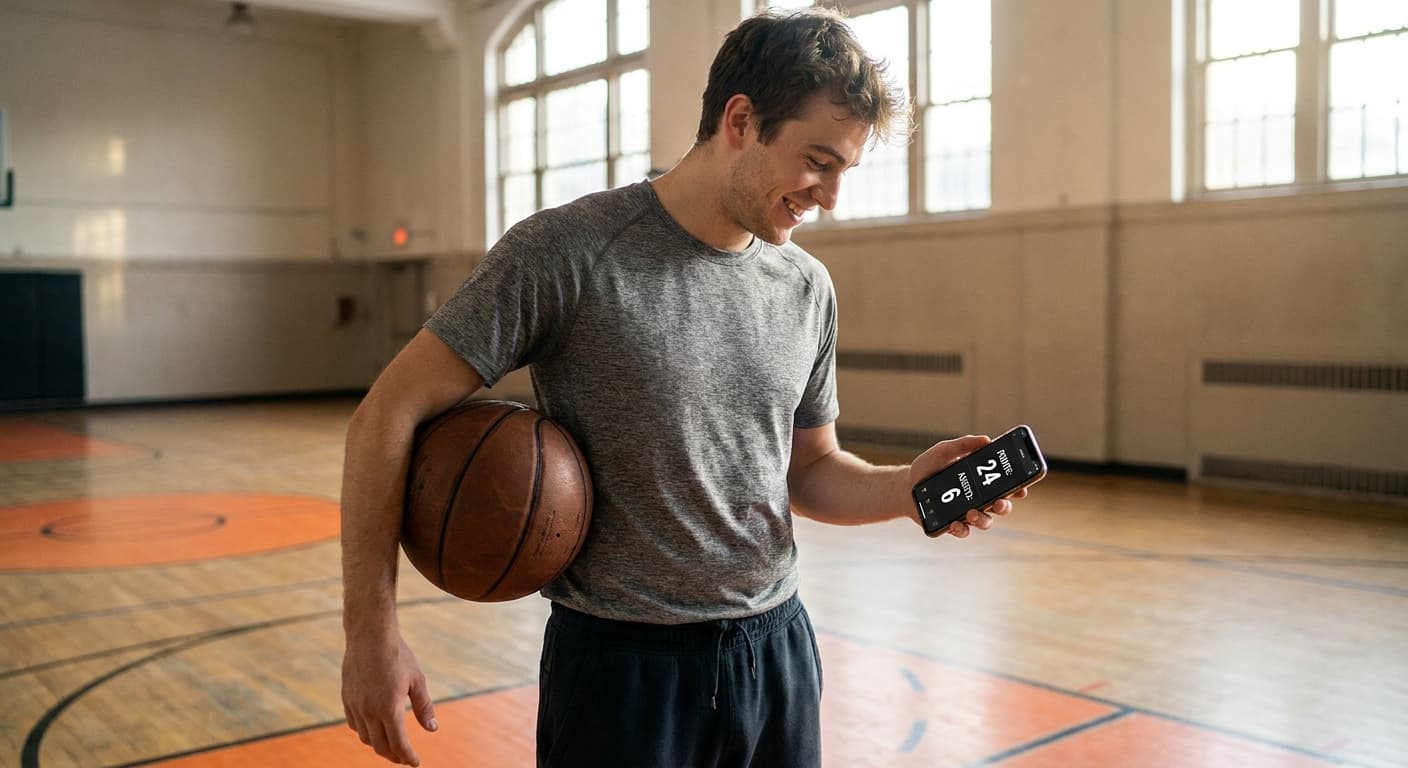
Beginner Guide: Tracking Your Basketball Stats
The 6 core stats, the weekly routine, and mistakes to avoid
You have decided to take your progress seriously and you want to start tracking your basketball stats. Good news: you do not need a team of analysts, a complicated spreadsheet, or three different apps. This guide is built for a player who is new to stat tracking and who wants a simple, durable, useful routine from week one.
We will answer the six most common questions: why track, what to track first, how often, paper vs app, the classic mistakes, and what a weekly routine looks like when it actually lasts.
Why track basketball stats as a beginner
The first objection is always the same: "I am not in the NBA, I do not need stats." That is wrong, for three very concrete reasons.
First, your feelings lie to you. You walk off the court thinking you "shot well" because you hit a late three, while you actually went 4-for-15 on the night. Numbers snap you back to reality, without emotion.
Second, you cannot improve what you do not measure. If you want to move from 62% to 75% on free throws, you first need to know you are at 62%. Without a baseline, you train blind and you never know if your extra reps are paying off.
Third, tracking creates a powerful mirror effect. Writing down that you gave up 7 turnovers forces you to ask why. Were you forcing passes into traffic? Did the opponent press you full-court? Did you travel three times in the first half? The act of tracking already pushes you to analyze.
For more on the logic and categories of stats, read our complete basketball stats guide — the pillar article this guide builds on.
What to track first: the 6 basic stats
When you start, do not try to measure everything at once. Most players who begin with a 20-line template quit after three games. The rule: start with 6 stats maximum, the ones that already give you 80% of the useful information.
- Points scored — the raw total per game.
- Shots attempted and made — separating 2-point, 3-point and free throws.
- Total rebounds — offensive and defensive, without splitting them at first.
- Assists — a pass that leads directly to a made basket.
- Turnovers — every time you give the ball back to the opponent.
- Personal fouls — to monitor aggressiveness and potential fouling out.
With those 6 numbers, you can already compute FG%, 3P%, FT% and points-per-shot-attempted. That is already a lot of material for a beginner. If you want to dive into the FG% math, our dedicated article walks through the formula and benchmarks — or just use the FG% online calculator to get your number in a few seconds.
Do not try to track advanced stats (PER, Usage Rate, BPM…) at this stage. They need reliable multi-game data and they only start making sense after 15–20 games logged.
How often to track: "every game, or none"
The second classic mistake, after stat overload, is inconsistency. Tracking three games then quitting for a month, tracking one game out of two, tracking only the games you feel good about: all of that wrecks your averages.
The simple rule: every game counts, or none counts. If you cannot track a game, that is fine, but at least log that the game happened so you do not distort your attendance stats.
For practice sessions, tracking can be looser. You can log isolated shooting sessions (say, 50 free throws, 40 mid-range, 30 three-pointers) but do not mix those numbers with your game stats. Keep two notebooks: game and practice. Both trajectories matter, but they are read differently.
On the analysis rhythm, look at your stats:
- After each game — a quick glance: what happened?
- Every week — the 2–3 game rolling average, to catch a trend.
- Every month — the big picture, to adjust your training priorities.
App or paper: what actually works
The three classic options are paper notebook, Excel spreadsheet, and dedicated app. Each has its place.
The paper notebook is unbeatable for simplicity. You walk out of the locker room, jot numbers down, done. But it has two big flaws: you cannot auto-compute averages, and the moment you want to compare November to February, you have to re-enter everything by hand. Fine for 5 games. Unmanageable for a full season.
Excel or Google Sheets is the good technical middle ground. One row per game, six columns, formulas compute the averages. The downside is friction: opening a laptop or the Sheets mobile app after every game is heavy. Most players drop off after 10 games.
A dedicated app like HoopsTrackR solves both problems at once: you enter stats in 30 seconds on your phone, the math is done for you, and you can compare periods, opponents, venues. The app carries the load; you just stay consistent with input.
Whatever you pick, the real rule is: the tool you will actually use, even if it is the least sophisticated. A filled notebook beats a perfect spreadsheet you never open.
The 5 classic mistakes to avoid
Here are the most common mistakes among beginning stat-trackers. Listing them helps you avoid them from day one.
Mistake 1: trying to measure everything at once. As said, stick to 6 stats. You can add more later.
Mistake 2: skipping "bad" games. If you only track games where you played well, your averages are fake and you will not know how to improve. The whole point is to see the bad games and understand why.
Mistake 3: confusing shots attempted with shots made. It sounds obvious but it happens often. Always record both together, like "8/14," not just "8 points."
Mistake 4: not splitting 2-point, 3-point and free throws. An 8/14 that contains 2/6 from three is not the same as an 8/14 with no three-point attempts. Always separate the three shot types.
Mistake 5: reading stats without acting on them. If your FT% is 58%, the number is useless unless you start putting up 100 extra free throws a week. Every stat must lead to a concrete action, otherwise it is just numerology.
A simple weekly routine that sticks
Here is the routine we recommend to a starting player. It takes roughly 15 minutes a week in total, on top of the post-game entry time.
After each game (2 minutes): open your app or notebook, enter the 6 stats, glance at anything that looks unusual.
Every Sunday evening (10 minutes): look at your 2–3 most recent games on average. Ask yourself three questions:
- Which stat improved this week?
- Which stat got worse?
- What do I work on first next week?
Every end-of-month (15 minutes): look at the monthly average, compare it to the previous month, and adjust training priorities if needed. If you use the stats comparator, you can even benchmark your average against a reference player to situate yourself.
This routine is deliberately minimal. The key is not complexity, it is consistency. A player sticking with 6 stats for 6 months beats a player who lasted 3 weeks with 20 stats.
Next steps
Once you have 10 games tracked on this routine, you are ready to level up. Three paths:
- Read the complete basketball stats guide to understand every stat and how they interact.
- Try the Field Goal Percentage calculator to monitor your shot efficiency game by game.
- Start looking into advanced stats like True Shooting % or the A/TO ratio, which give a finer reading of your impact.
Stat tracking is not a detail obsession, it is a progression tool. Week one, you fill in. Week two, you observe. Week three, you adjust. And from there the loop is running — this is usually when players see their first measurable gains, around games 10 to 12.
Frequently Asked Questions (FAQ)
Where to start when you begin stat tracking?
With the 6 core stats: points, shots, rebounds, assists, turnovers, fouls. Ten tracked games gives you a real baseline.
How long does it take per game?
About 2 minutes of post-game entry with a dedicated app. 5 to 10 minutes by hand in a notebook.
App or paper — which works best?
The tool you will actually use. A filled notebook beats a perfect never-opened spreadsheet. HoopsTrackR is built for minimum friction.
What if I miss a few games?
At least log that the game happened. Otherwise your attendance is skewed. The rule: every game counts, or none counts.
When to see first results?
Around games 10–12. That is when patterns become readable and first training adjustments pay off.
Level up with HoopsTrackR
You now have all the keys. Let's be honest: logging stats by hand is tedious. HoopsTrackR does the math for you and shows your progress over time.
You might also like

Improve Your Free Throws: From 60% to 80% in 6 Weeks
The free throw is the only fully controllable shot in basketball. The BEEF method, a pre-shot routine, 4 drills and a 6-week program to go from 60% to 80%.
Basketball turnovers: 7 techniques to reduce them
Turnovers cost roughly 1 point per possession. The 3 main types, 7 techniques to reduce them, and the tracking pattern to use.
Complete basketball stats guide: everything you need to know
The ultimate guide to understanding basketball statistics: points, rebounds, assists, shooting percentages and advanced stats. Everything you need to track your progress seriously.